---
title: "Adding comments to design templates (Liquid templates)"
slug: "add-comments-into-design-templates-liquid-templates-only"
description: "Add Liquid comments to Opensense signature templates, to explain how the code works or mark unfinished code. Comments never appear in sent email."
updated: 2024-01-16T21:09:07.000Z
canonical: "https://help.opensense.com/docs/add-comments-into-design-templates-liquid-templates-only"
---
> ## Documentation Index
> Fetch the complete documentation index at: https://help.opensense.com/llms.txt
> Use this file to discover all available pages before exploring further.
# Adding comments to design templates (Liquid templates)
## Overview
This article uses the current Opensense template syntax, Liquid (**as of 2022**). If you're used to the older format, see [HTML and field types (legacy templates)](https://help.opensense.com/docs/html-field-types-1).
## Use cases
- Around unfinished code
- To explain how a signature operator works, so it's easy to find
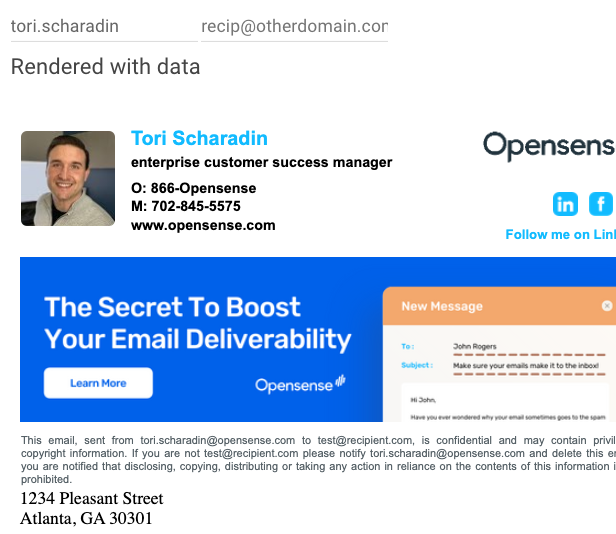
Comments **aren't** displayed when emails are sent.
## Example
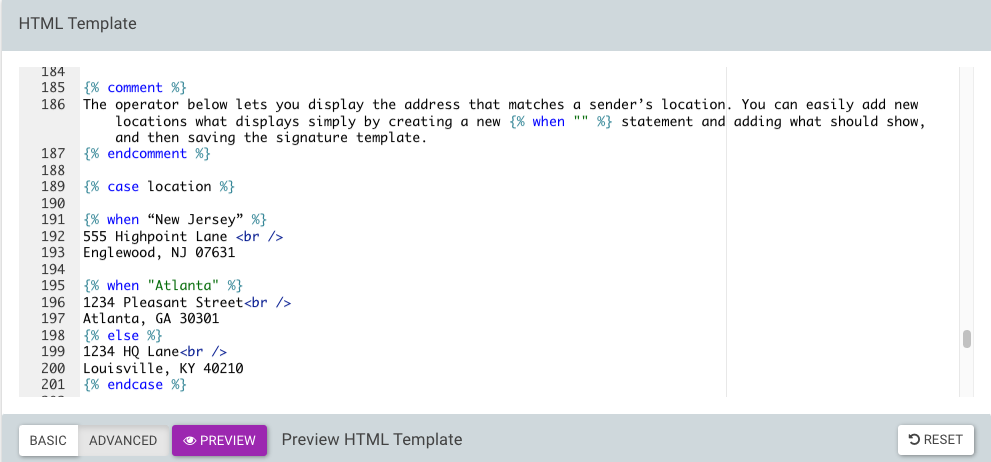
```liquid
{% comment %}
The operator below lets you display the address that matches the sender's location.
You can easily add new locations by creating a new {% when "" %} statement,
and saving the signature template.
{% endcomment %}
{% case location %}
{% when "New Jersey" %}
555 Highpoint Lane
Englewood, NJ 07631
{% when "Atlanta" %}
1234 Pleasant Street
Atlanta, GA 30301
{% else %}
1234 HQ Lane
Louisville, KY 40210
{% endcase %}
```
## What's next
- [Showing signature elements based on a field value (Liquid templates)](https://help.opensense.com/docs/display-signature-elements-based-on-field-value-liquid-templates-only)
- [HTML and field types (Liquid templates)](https://help.opensense.com/docs/html-field-types)
For further help, contact Opensense Support at [help@opensense.com](mailto:help@opensense.com).