

Banner best practices
Overview
Section titled “Overview”Follow these guidelines to design banners that display well on every device and get clicks. To start faster, use the Opensense Canva templates.
Size and resolution
Section titled “Size and resolution”- Size
- 580 × 150 px displays well on all devices. Match the width of your signature.
- Resolution
- 72 dpi.
- Image dimensions
- Make the image 1× or 2× the dimensions set in the HTML, so it does not scale up beyond its original size.
Calls to action
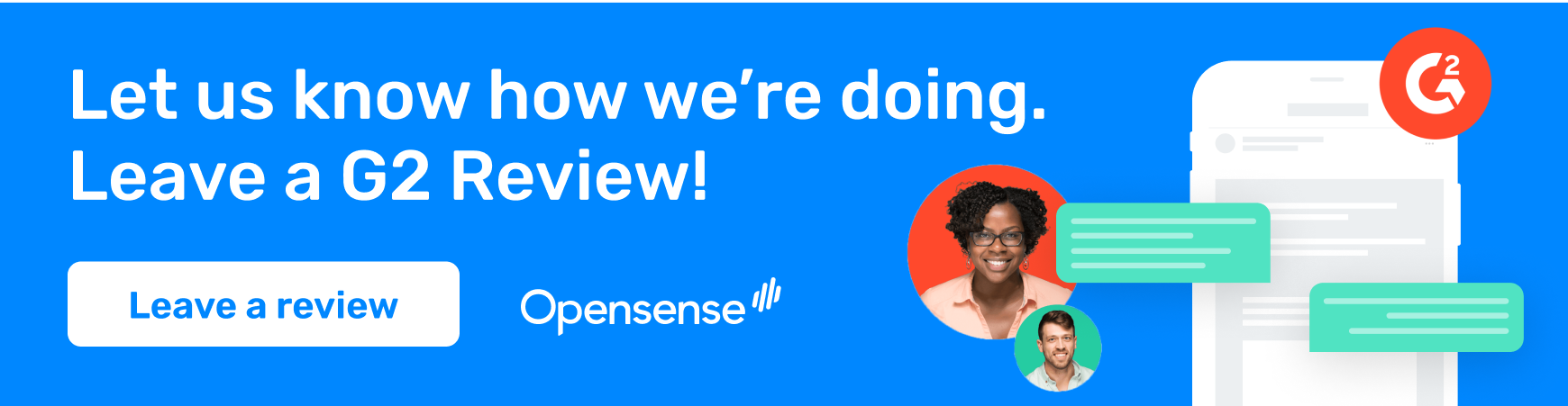
Section titled “Calls to action”Use a clear call to action (CTA). Specific CTAs, such as “Get your gift” or “Leave a review”, do better than “Click here”.
Animation
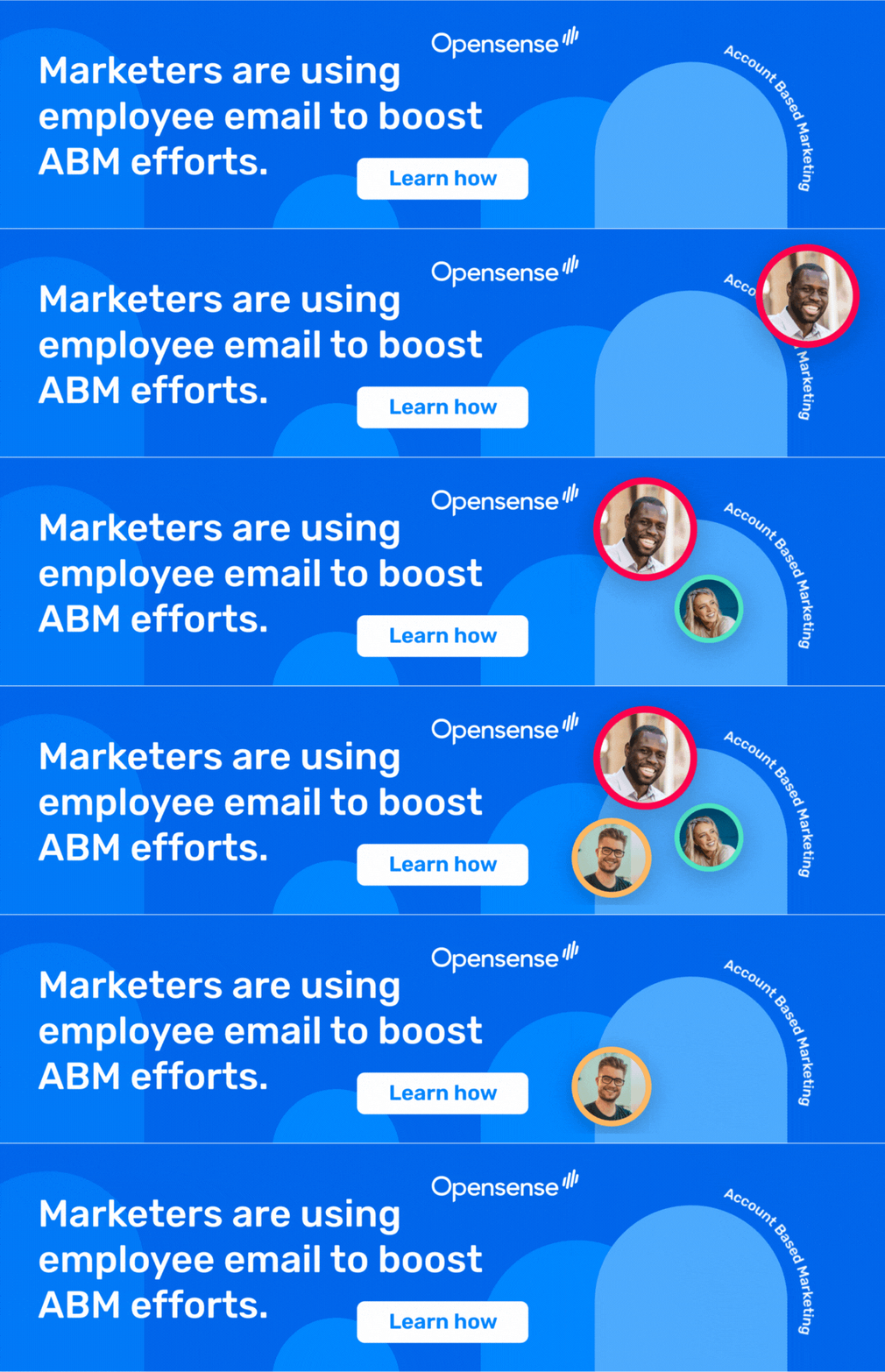
Section titled “Animation”Banners can be animated GIFs. Movement catches the eye and tends to get more engagement.
Exporting from design tools
Section titled “Exporting from design tools”- Photoshop and Illustrator
- Export the banner at the recommended size and resolution.
- Canva
- Canva can lower the image quality on export. Export the banner at a much larger size, then resize it to your banner width in a tool such as Photoshop.
Canva templates
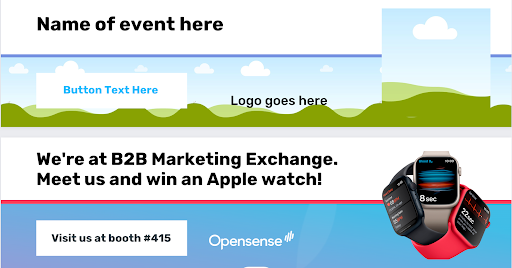
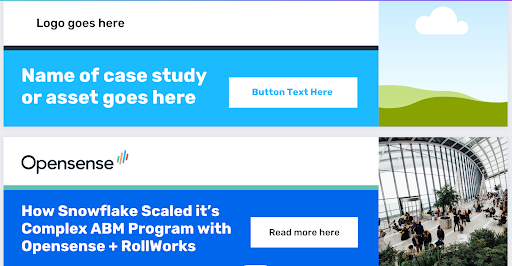
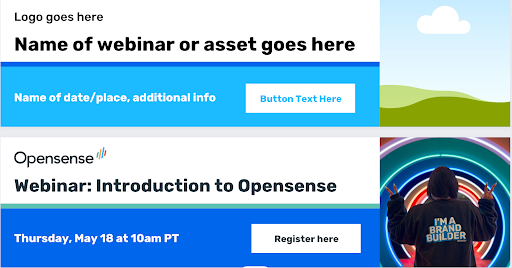
Section titled “Canva templates”Opensense made Canva templates for common banners. Choose a template, add your brand’s message and visuals, and download the banner image.
What’s next
Section titled “What’s next”- Creating a banner campaign: add your banner to a campaign.
- A/B testing banners: test which design or message performs better.
- Campaign inspiration: ideas for your next campaign.