

Condensing many signatures into one (Liquid templates)
Overview
Section titled “Overview”This article uses the current Opensense template syntax, Liquid (as of 2022). If you’re used to the older format, see Condensing many signatures into one (legacy templates).
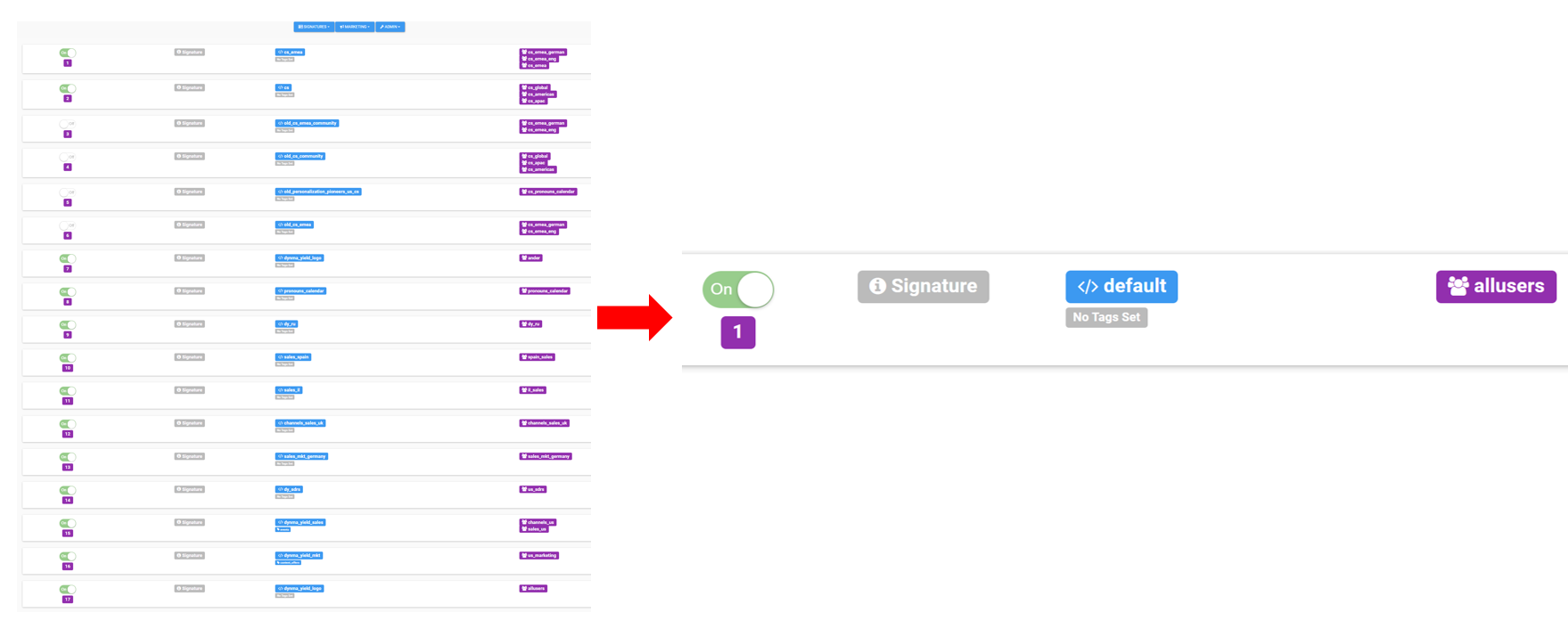
Does your Signature Assignment page (Routing in the New UI) have 5, 10, or 20 assignments? We can condense them into one or two templates, with the tips below.
What’s different about each template?
Section titled “What’s different about each template?”Apart from formatting, the fields, text, images, and banners can all be customized in one signature template. Use conditional fields, department fields, and ABM banner setups to combine many signatures into one:
- Conditional fields
- Customizable at the user level. For example: mobile numbers for some users, or calendar links for some users. Learn more.
- Department fields
- Customizable at the department level. For example: sub-brand logos, sub-brand social media icon links, department-wide phone numbers, or webinar links specific to a department. Learn more.
- Customizable for banners. In your signature template, replace the
[[adtags]]or[[ad]]connection with[[abm]]to connect to your ABM dashboard. The ABM dashboard lets you assign banners by department and by recipient, for department-specific banners in an easy-to-view dashboard. Learn more.
What’s next
Section titled “What’s next”For further help, contact Opensense Support at help@opensense.com.