---
title: "Field data priority"
slug: "field-data-priority"
description: "The order Opensense uses to fill each signature field: locked Compliance fields, then the signature block, then unlocked Compliance fields, with an example."
updated: 2024-01-16T20:59:09.000Z
canonical: "https://help.opensense.com/docs/field-data-priority"
---
> ## Documentation Index
> Fetch the complete documentation index at: https://help.opensense.com/llms.txt
> Use this file to discover all available pages before exploring further.
# Field data priority
## Overview
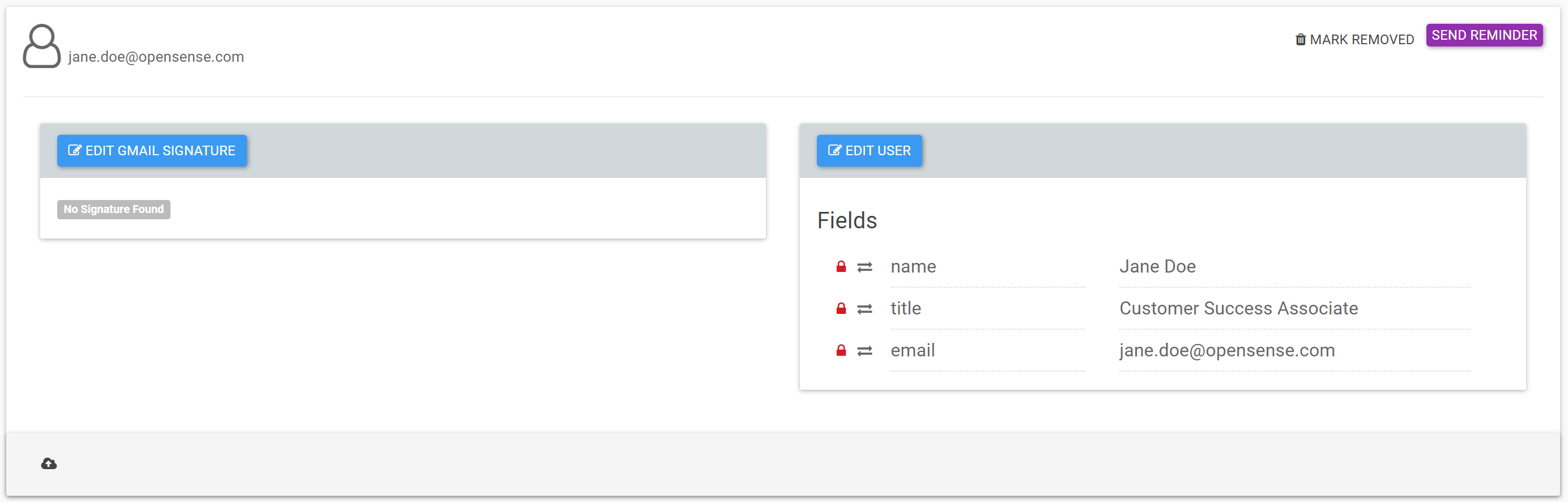
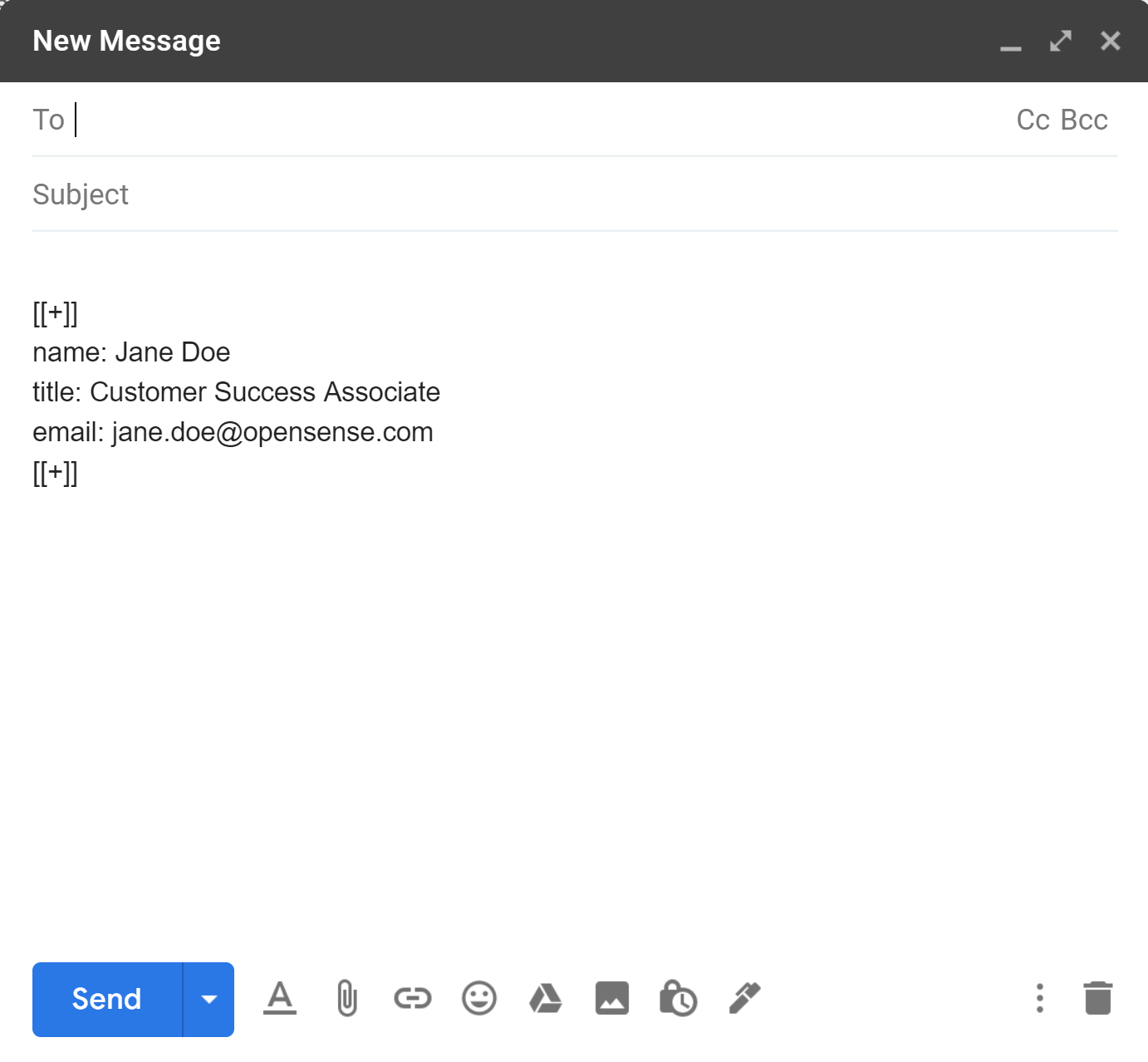
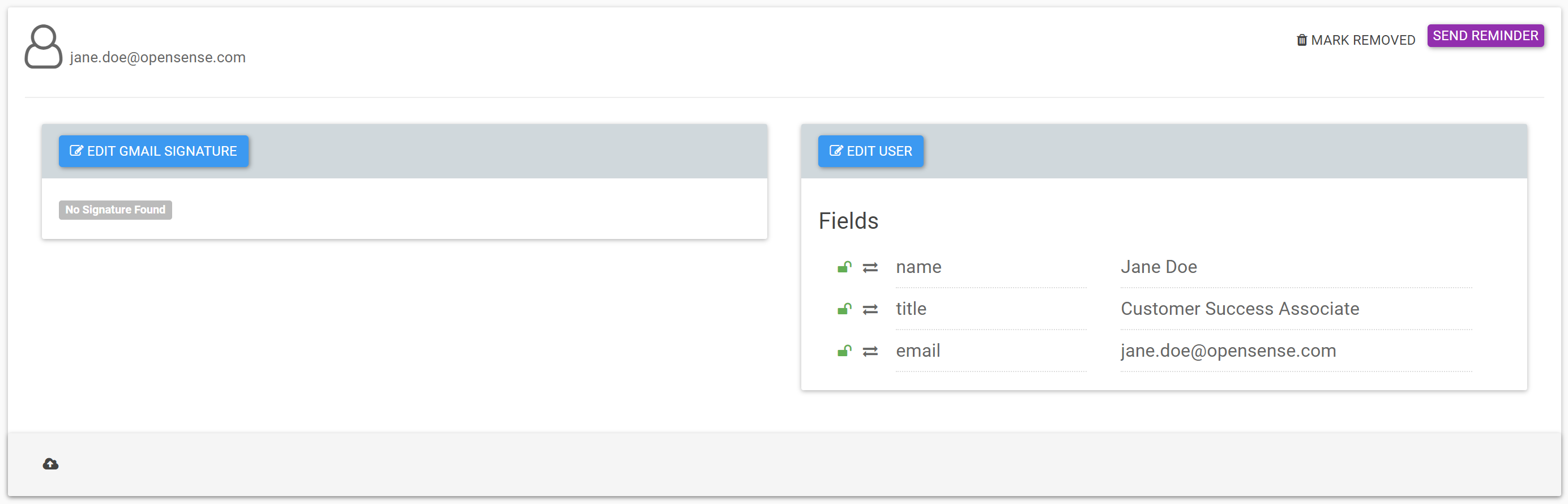
Which data fills in your signature template? It's important to know the field data priority, and how it shows in the transformed signature. When an email is sent, Opensense pulls each field's data in this order:
1. Locked fields in Compliance
2. The signature block
3. Unlocked fields in Compliance
Although there are three priorities, many accounts only use the signature block. Have department fields? See [Field data priority with department fields](https://help.opensense.com/docs/field-data-priority-with-department-fields).
:::note[Classic UI screenshots]
The screenshots show the classic UI's **Compliance** page. In the New UI, user profiles are under **Manage** > **Users**.
:::
## Field data priority order
## Example
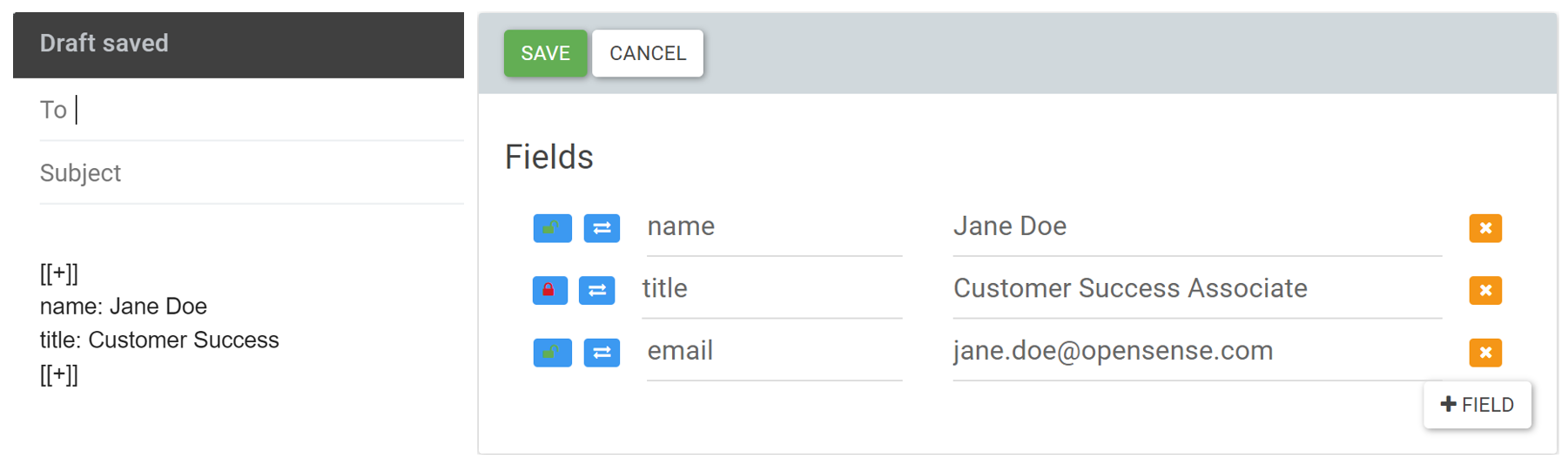
Here are Jane's signature block, and her Opensense Compliance profile:
### Which data fills her signature?
This account doesn't use department fields.
- Name
- Pulls from her signature block, because it's unlocked in Compliance (priority 2).
- Title
- Pulls from Compliance, because it's locked (priority 1).
- Email
- Pulls from Compliance, because it's blank in her signature block (priority 3).
## What's next
- [Field data priority with department fields](https://help.opensense.com/docs/field-data-priority-with-department-fields)
- [Locking and unlocking Compliance fields (classic UI)](https://help.opensense.com/docs/locking-unlocking-compliance-fields)