

MySig for Google Workspace
Overview
Section titled “Overview”MySig is a website from Opensense where your employees create and copy their own signature block. You get your MySig link during onboarding. The signature block only transforms into the full signature when the email is sent from an address in your company’s domain.
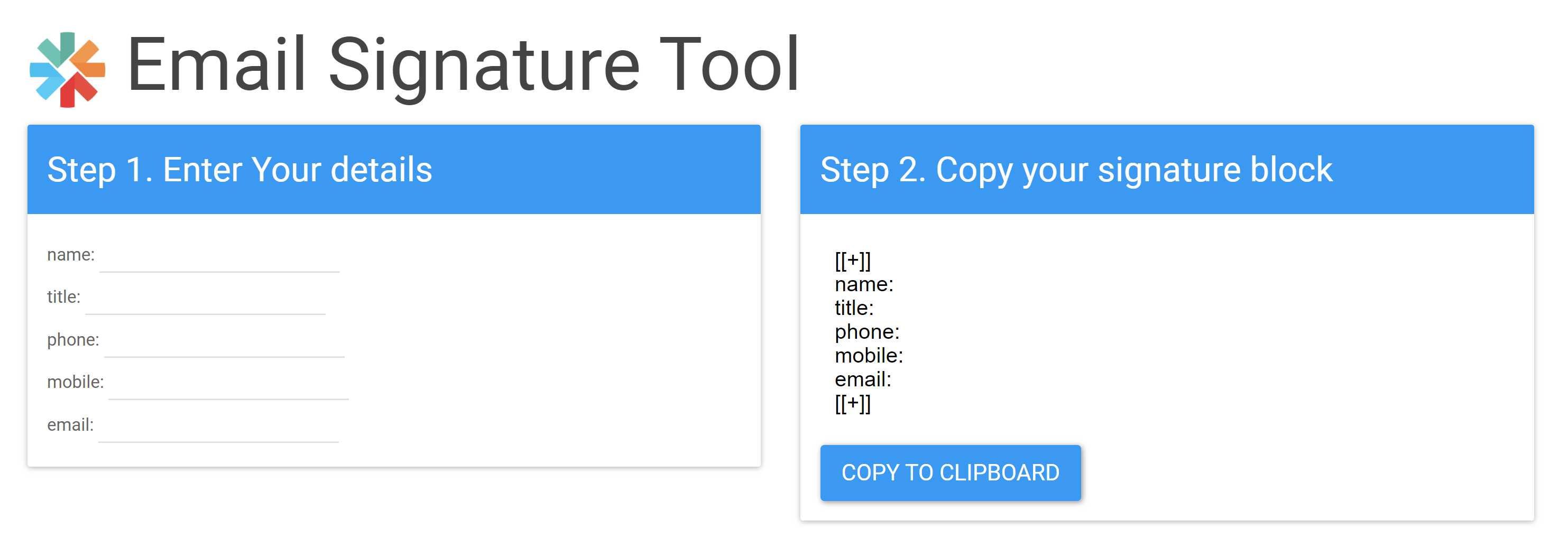
Your MySig link
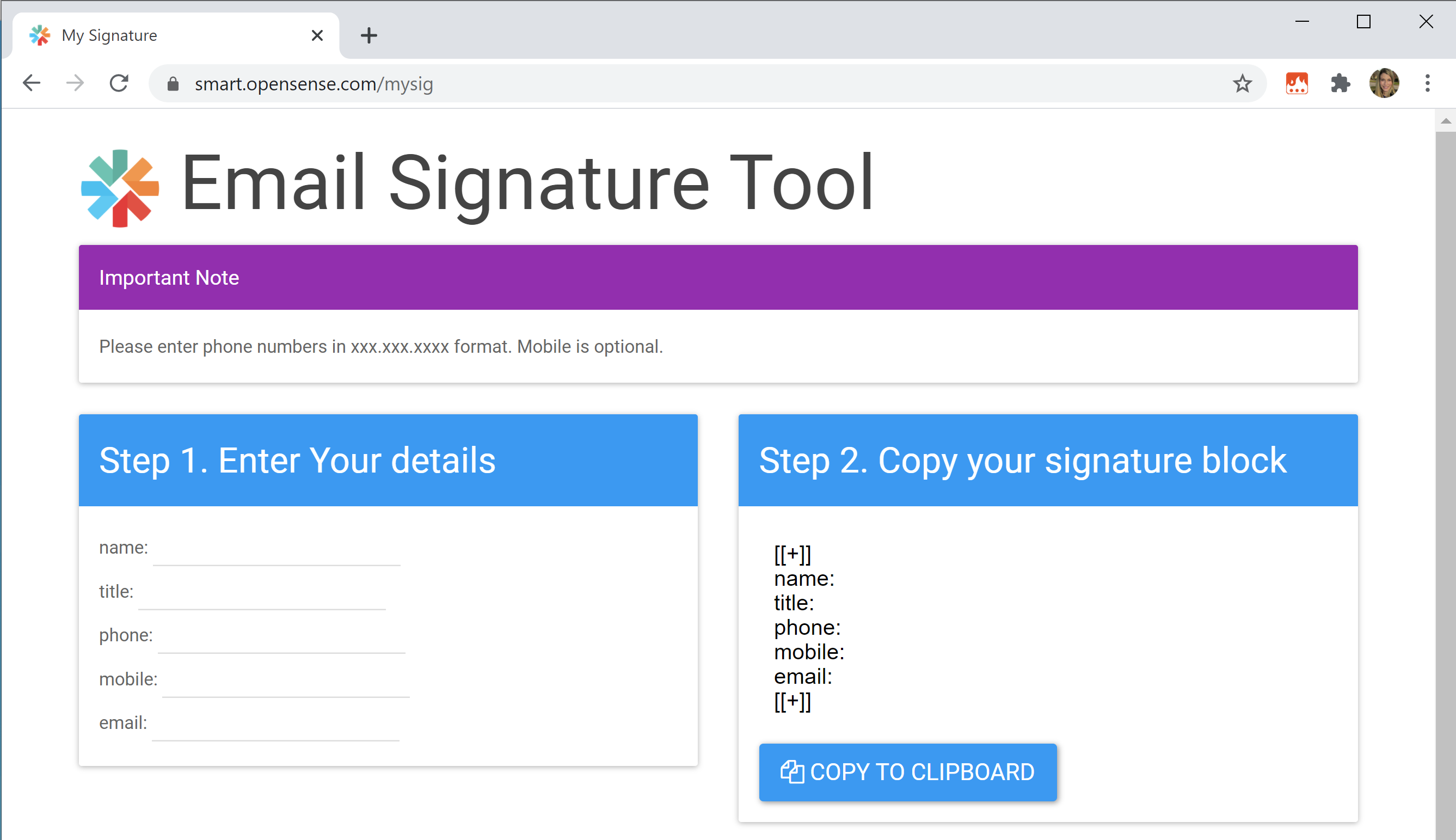
Section titled “Your MySig link”Your MySig link is smart.YourDomain/mysig, where YourDomain is your company’s domain. For example, if your domain is opensense.com, your MySig link is smart.opensense.com/mysig.
Add the link to your New Employee Onboarding information, or keep it handy to send to new employees. It’s an easy way to set up a new user with Opensense.
MySig shows the non-hidden fields of the signature template assigned to the allusers group.
Customizing your MySig page
Section titled “Customizing your MySig page”You can customize MySig with your company logo, favicon, and a note at the top. The note can include instructions for creating the signature, for example which fields are optional, or how to format them. To customize your MySig page, email help@opensense.com.

For help with the signature block, see the Common signature block questions.
What’s next
Section titled “What’s next”- MySig: the same tool, for Microsoft 365.
- Gmail launch communications: strategy and sample emails
- What is the Opensense signature block?