---
title: "Sample launch email communications"
slug: "sample-launch-email-communications"
description: "Seven sample emails for announcing Opensense signatures to employees, by deployment method: Google Pusher, Stamping, GPO, and email notification."
updated: 2024-01-16T20:30:17.000Z
canonical: "https://help.opensense.com/docs/sample-launch-email-communications"
---
> ## Documentation Index
> Fetch the complete documentation index at: https://help.opensense.com/llms.txt
> Use this file to discover all available pages before exploring further.
# Sample launch email communications
## Overview
Good launch communication is the difference between a few support emails and many more than you need. Use these sample emails as a starting point for announcing Opensense signatures to your employees.
## Before you send
- Send launch communications 1 to 3 days before launch day. Bonus points for showing your new company signature even sooner, at an all-hands meeting.
- If you write a launch email you're proud of, send it to your customer success manager, so that it can be added to the knowledge base to help others.
:::caution[Personalize each template]
Customize the email for your use case before you send it, to avoid confusing your users. Replace the example names, company names, dates, phone numbers, and email addresses, such as Jane Doe, ABC company, and CompanyName.
:::
## Choosing a template
## Google Pusher and email reminder (recommended)
> Hey Team!
>
> We have activated your new signatures in partnership with Opensense, who is helping us present a more unified brand. There are only a few simple steps, which should take less than 5 minutes, to set this up on all your emails going forward.
>
> **Gmail on a web browser**
>
> - Go to **Settings** > **General**, and scroll down to the signature settings.
> - Make sure that **My Signature** is selected as the default for **For new emails use** and **On reply/forward use**.
> - Directly below, select the checkbox **Insert signature before quoted text**.
>
> **Mobile devices (phones, tablets, and so on)**
>
> - On Monday afternoon, you will receive an email from Opensense (notifications@sendergen.com) directing you to copy your new signature.
> - Copy this signature "block" one time into each mobile device that you send email from.
> - Different devices have different settings. If you need guidance, see the attached document with step-by-step instructions.
>
> You can send a test email to your personal email or a colleague to check it out before you send an external email, because it will not show up formatted when you compose an email or in your sent emails.
>
> Feel free to skim [the instructions document](https://help.opensense.com/docs/opensense-on-google-workspace), which has more information. If you have any further questions, reach out to Jane Doe (jane.doe@abc.com).
>
> Please note: the signature appears as plain text when you send an email, and the recipient always receives the branded email signature design that Marketing manages centrally.
## Stamping deployment (marketing initiative)
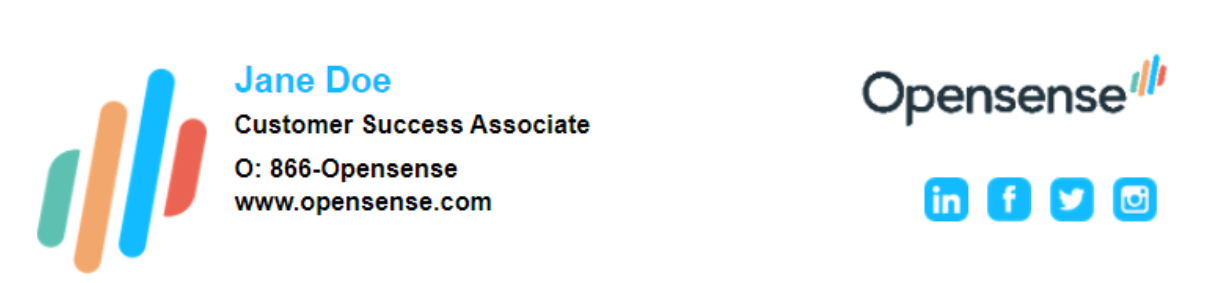
> Just in time for the official launch of our rebranding, we are adopting a new email signature policy. Effective Monday, you will be in the vanguard of ABC company employees using a service called Opensense, which will automatically add your email signature and selected ABC company branding and marketing to your emails. Your new email signature will look like this:
>
> 
>
> We ask that you help us in this part of our launch by taking the following steps:
>
> - Turn off your email signature in Outlook. To do this, click **Signature** on the toolbar of an email, select **Edit Signatures**, and select **(none)** for both **New messages** and **Replies/forwards**.
> - Turn off your email signature on your cell phone.
>
> Once Opensense is activated, you will not see your email signature when you click **Send**, but it will be added automatically, along with any current featured banner ad. Once we have launched, you can send a test email to your personal email or a colleague to check it out, because it will not show up formatted when you compose an email or in your sent emails.
>
> If you have any questions about these steps, please call me at 123-456-6789 or email me at jane.doe@email.com.
## Branding initiative (GPO deployment)
> Hi friends!
>
> As I am sure you have seen, or have already tried, we have a new corporate email signature program. Using a service called Opensense, the marketing team will now centrally manage the style and format of email signatures, while employee contact information is synced from our company directory. This keeps corporate email communications consistent going forward.
>
> Our IT team will enable a policy today that automatically updates your email signature in Outlook. You may need to restart Outlook to see the changes. This new signature from IT will be named Opensense in your Outlook signatures. It will be used automatically in every email: internal, external, replies, and so on.
>
> Even though the information in your signature is pulled from the directory, you can still edit what information your signature includes. Some people don't want their mobile number included. Others would like to include a meeting scheduling link. You can do all of this in your signature settings, and the changes are immediate.
## IT initiative, fields locked down (email notification)
> **To:** All Employees
>
> **Subject:** Standardized Corporate Email Signature
>
> In an effort to present a stronger, unified brand to our customers during the transition from CompanyName, we will be implementing a standardized email signature for all employees. Using a service called Opensense, the marketing team will now centrally manage the style and format of email signatures, while employee contact information is synced from our company directory. This keeps corporate email communications consistent going forward.
>
> You will receive an email from Opensense shortly with a personalized email signature block. Please take a moment to read the attached document to set up this new signature block on your corporate devices. It contains step-by-step instructions for a variety of email clients, including Outlook, Outlook Web Access, iPhone, and Android.
>
> For employees with computers connected to our corporate network, our IT team will also enable a policy today that automatically updates your email signature in Outlook the next time you sign in.
>
> Finally, because contact information is synced with our company directory, any changes made directly to your signature block will be overwritten by directory information when you send email. If your signature contains incorrect information, or you need any other help setting up your email signature, please contact our IT Helpdesk: help@ABC.com
>
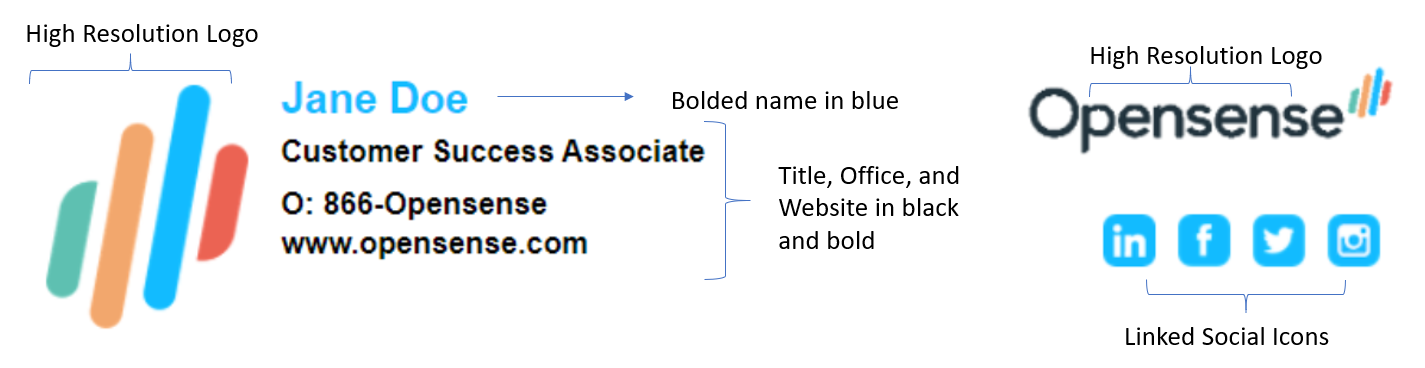
> Highlights of the new email signature block:
>
> 
>
> **Change requests:** Do not add quotations, tag lines, former acquired company names, memes, videos, alternate legal disclaimers, font changes, color changes, manufacturer logos, certifications, and so on. If you believe you have a legitimate case for adding or changing something on your signature block, get approval from your manager, and open an IT service ticket that states what you want. Marketing will review your request. Do not make changes on your own. Thanks for your cooperation.
## Alternative templates
### Marketing initiative, short notice (email notification)
> Hello and Happy Friday!
>
> I am reaching out to you today because ABC Co. is rolling out a new email signature tool for all of our business units.
>
> On Monday afternoon, you will receive an email from Opensense (notifications@sendergen.com) directing you to copy your new signature. I will also send you an email on Monday morning, before the Opensense email goes out. If you have any issues with your signature on Monday, email support@ABC.com for answers and help.
>
> Please let me know if you have any questions! I can't wait for you all to see your new, fun signatures!
### Marketing initiative, with a rollout date (email notification)
> Good morning team!
>
> I am super excited to announce that our new and improved corporate signature is here! We are rolling it out on 4/13 at 9am. Attached is a document we put together with all the instructions you need. Once you set it up, you can send a test email to your personal email or a colleague to check it out, because it will not show up formatted when you compose an email or in your sent emails.
>
> If you have any issues setting it up, please email itsupport@company.com.
>
> We greatly appreciate your help in setting up your signatures in the next few days.
### Branding initiative (email notification)
> Dear Employees,
>
> In an effort to present a stronger, unified brand for CompanyName, we will be implementing a standardized email signature for all employees. The Marketing Team will now centrally manage the style and format of email signatures, with employee contact information synced from our company directory through a service called Opensense. This keeps corporate email communications consistent going forward.
>
> You will receive an email from Opensense on Tuesday, May 18th with a personalized email signature block. You will need to do a one-time copy and paste to the corporate devices that you send email from. Please take a moment to read the attached document to set up this new signature block on your corporate devices. It contains step-by-step instructions for a variety of email clients, including Outlook, Outlook Web Access, iPhone, and Android.
>
> Finally, because contact information is synced with our company directory, any changes made directly to your signature block will be overwritten by directory information when you send email. If your signature contains incorrect contact information, or you need any other help setting up your email signature, please contact Jane Doe: Jane.Doe@ABC.com
>
> Please do not add quotations, tag lines, memes, videos, alternative legal disclaimers, font changes, color changes, logos, and so on. If you believe you have a legitimate case for adding or changing something on your signature block, please reach out to Jane Doe (Jane.Doe@ABC.com), and Marketing will review and consider your request.
>
> **Your new email signature when you compose:**
>
> \[\[#]]
> name: Jane Doe
> title: Customer Success Associate
> office: 866-Opensense
> \[\[#]]
>
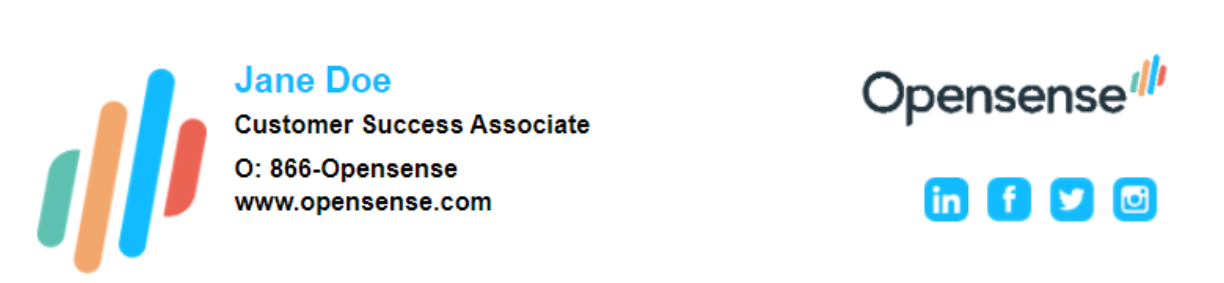
> **How it looks to the recipient:**
>
> 
>
> Please note: the signature appears as plain text when you send an email, and the recipient always receives the email signature design that Marketing manages centrally. Your branded Opensense Signature Instructions document shows this transformation.
>
> Thank you!
>
> The Marketing Team
## What's next
- [Gmail launch communications: strategy and sample emails](https://help.opensense.com/docs/gmail-launch-communications-strategy-and-examples): a launch communication plan and examples for Gmail.
- [Email notification launch guide](https://help.opensense.com/docs/email-notification-launch-guide-everything-you-need-to-know)
- [Stamping launch guide](https://help.opensense.com/docs/stamping-launch-guide-everything-you-need-to-know)