

Field data priority
Overview
Section titled “Overview”Which data fills in your signature template? It’s important to know the field data priority, and how it shows in the transformed signature. When an email is sent, Opensense pulls each field’s data in this order:
- Locked fields in Compliance
- The signature block
- Unlocked fields in Compliance
Although there are three priorities, many accounts only use the signature block. Have department fields? See Field data priority with department fields.
Field data priority order
Section titled “Field data priority order”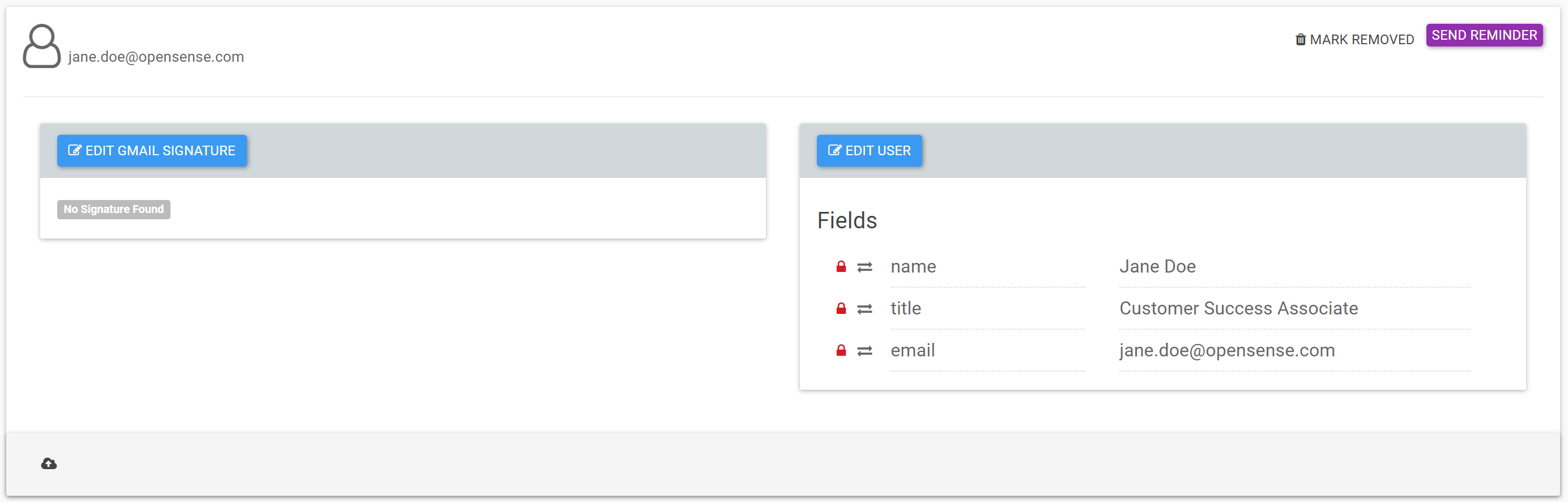
Example
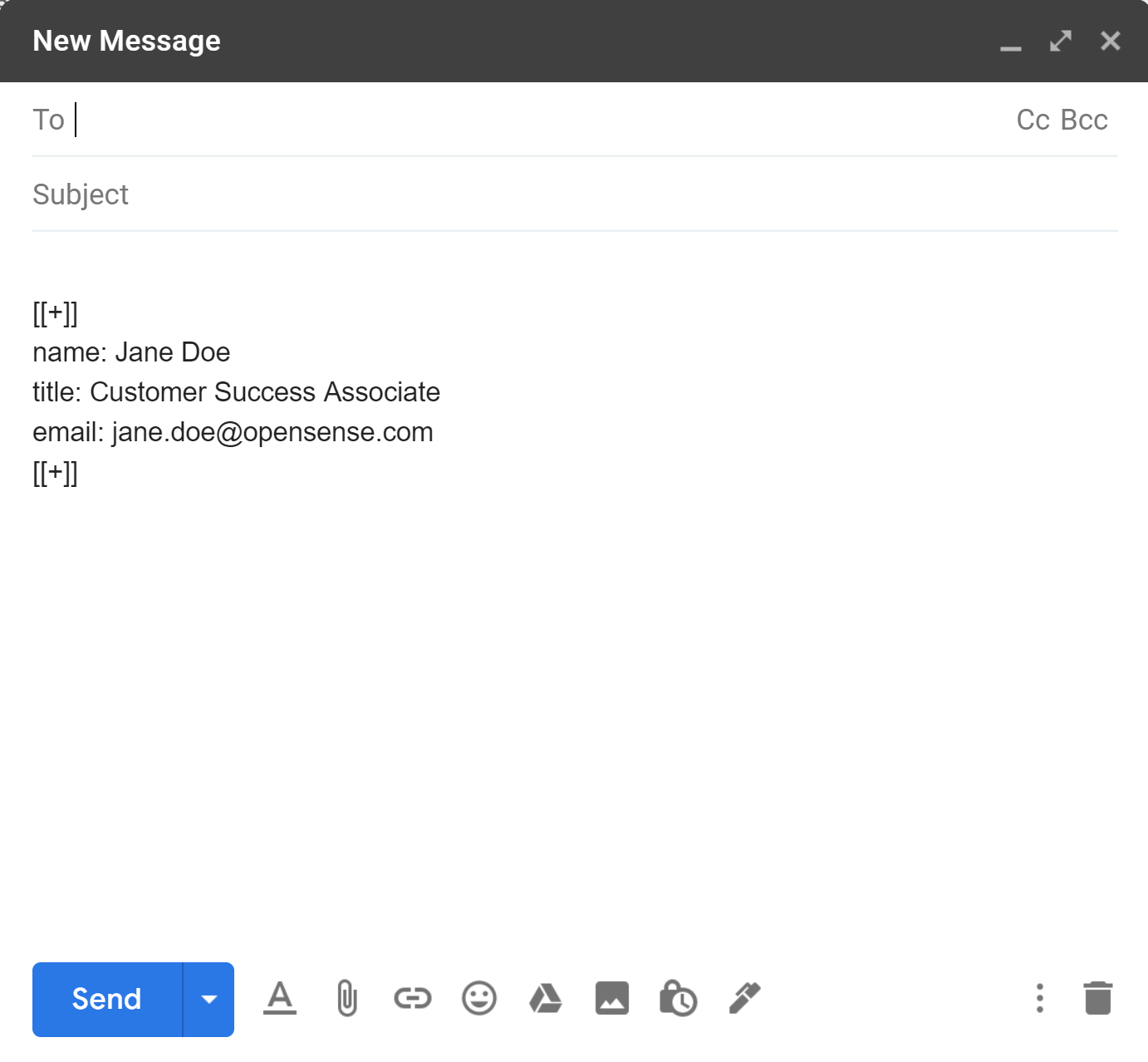
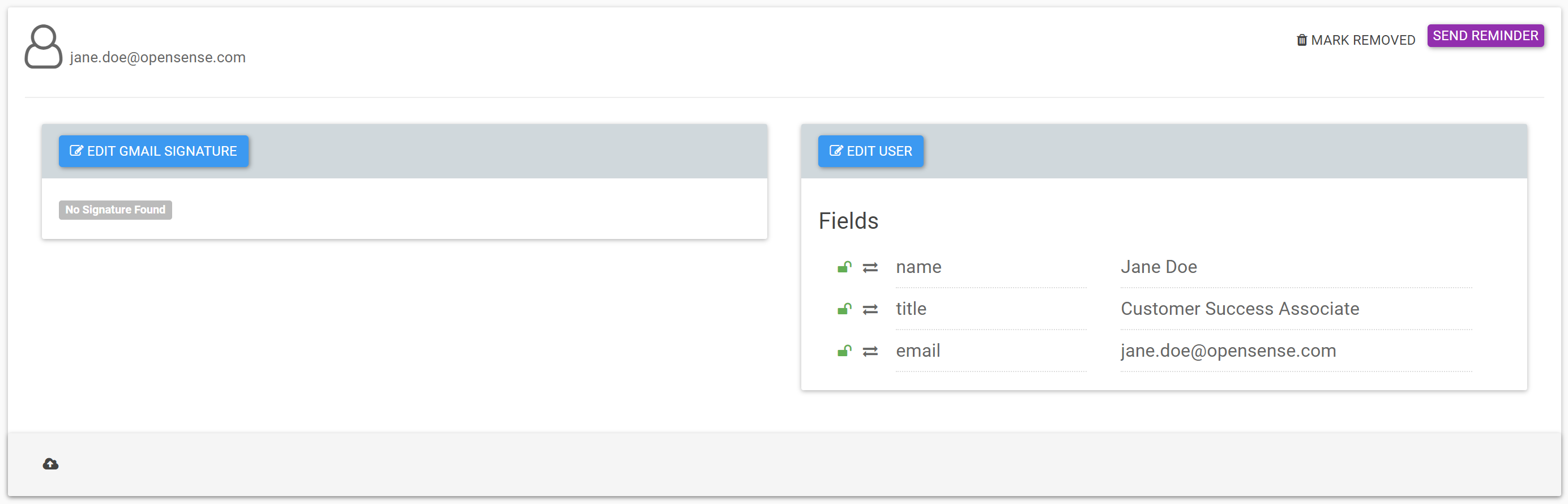
Section titled “Example”Here are Jane’s signature block, and her Opensense Compliance profile:
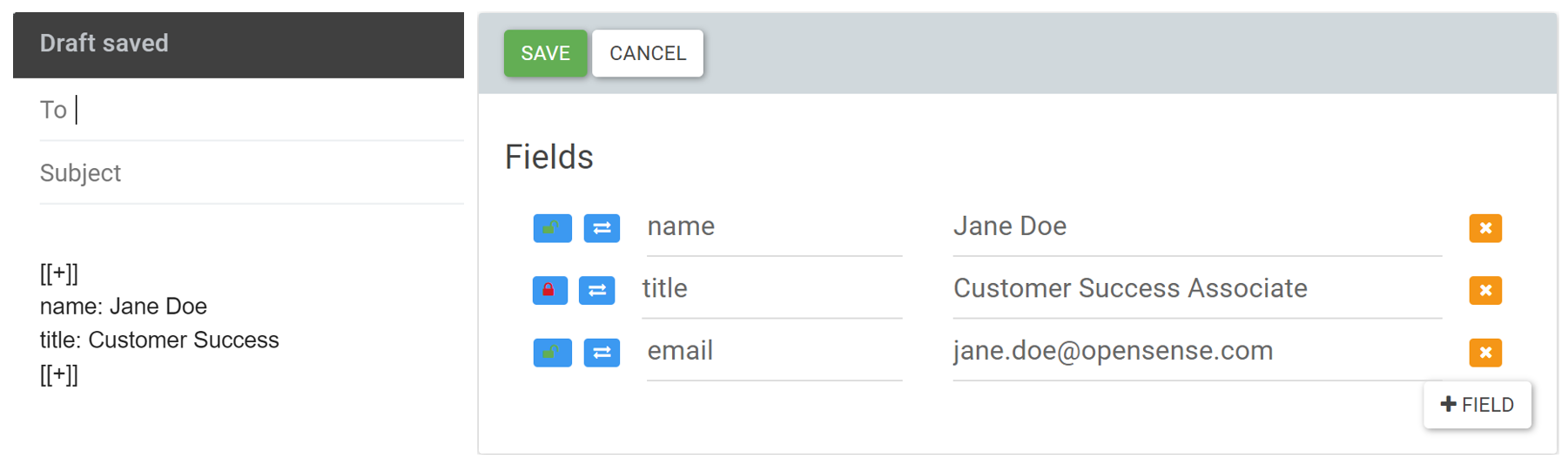
Which data fills her signature?
Section titled “Which data fills her signature?”This account doesn’t use department fields.
- Name
- Pulls from her signature block, because it's unlocked in Compliance (priority 2).
- Title
- Pulls from Compliance, because it's locked (priority 1).
- Pulls from Compliance, because it's blank in her signature block (priority 3).