

Introduction to Designer Studio
Overview
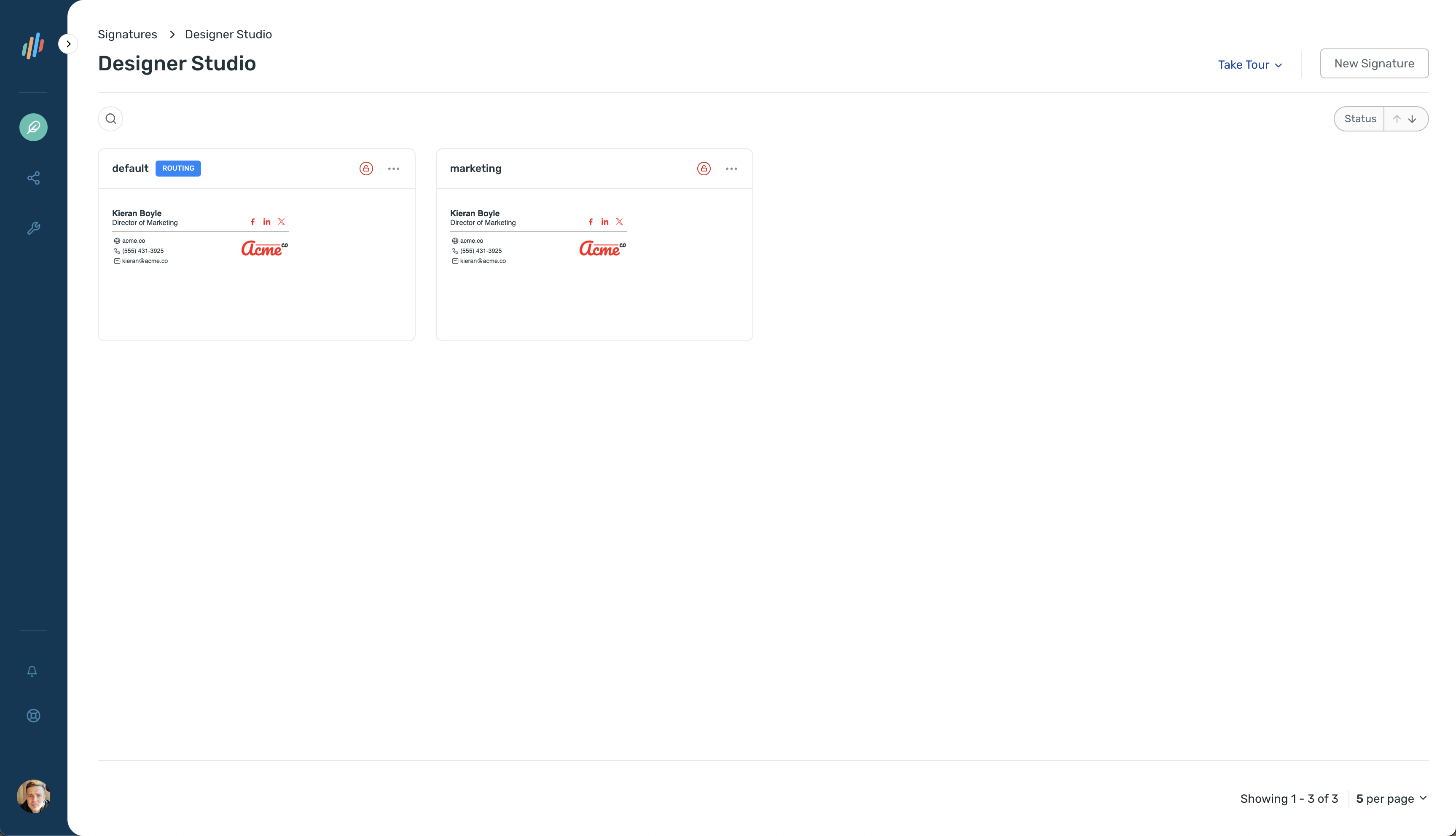
Section titled “Overview”Designer Studio is where you manage all of your company’s email signatures. Use it to create and update signatures for different teams, apply branding, and keep every signature consistent.
To open it, select Signatures > Designer Studio in the Opensense portal. Each signature shows as a card with a preview and an actions menu.
What you can do
Section titled “What you can do”- Create a signature
- Start from a blank signature, a prebuilt template, or a custom design from the Opensense team.
- Edit a signature
- Change the HTML and CSS, manage signature fields, and set up reply templates.
- Clone a signature
- Copy a signature with all of its fields and templates. Use Clone to Domain to copy it to a different account under your domain.
- Delete a signature
- Remove a signature from its signature card or from the signature editor. A confirmation step prevents accidental deletion.
- Use the signature editor
- A reference for signature blocks, field types, previews, syntax highlighting, code linting, and reply templates.